· Mark Lester Mahilum · Resources · 5 min read
The Complete MedSpa Automation Stack for 2026
The medspa automation stack I build on — booking, CRM, SMS, and reviews wired into one system.
For medspa automation, a few tools keep earning their place. Not because they are the most popular or the most marketed, but because they are reliable, they integrate cleanly with the other tools clinics already use, and they do not add unnecessary complexity.
This is the stack. Here is what each piece is, what it replaces, and why it made the cut.
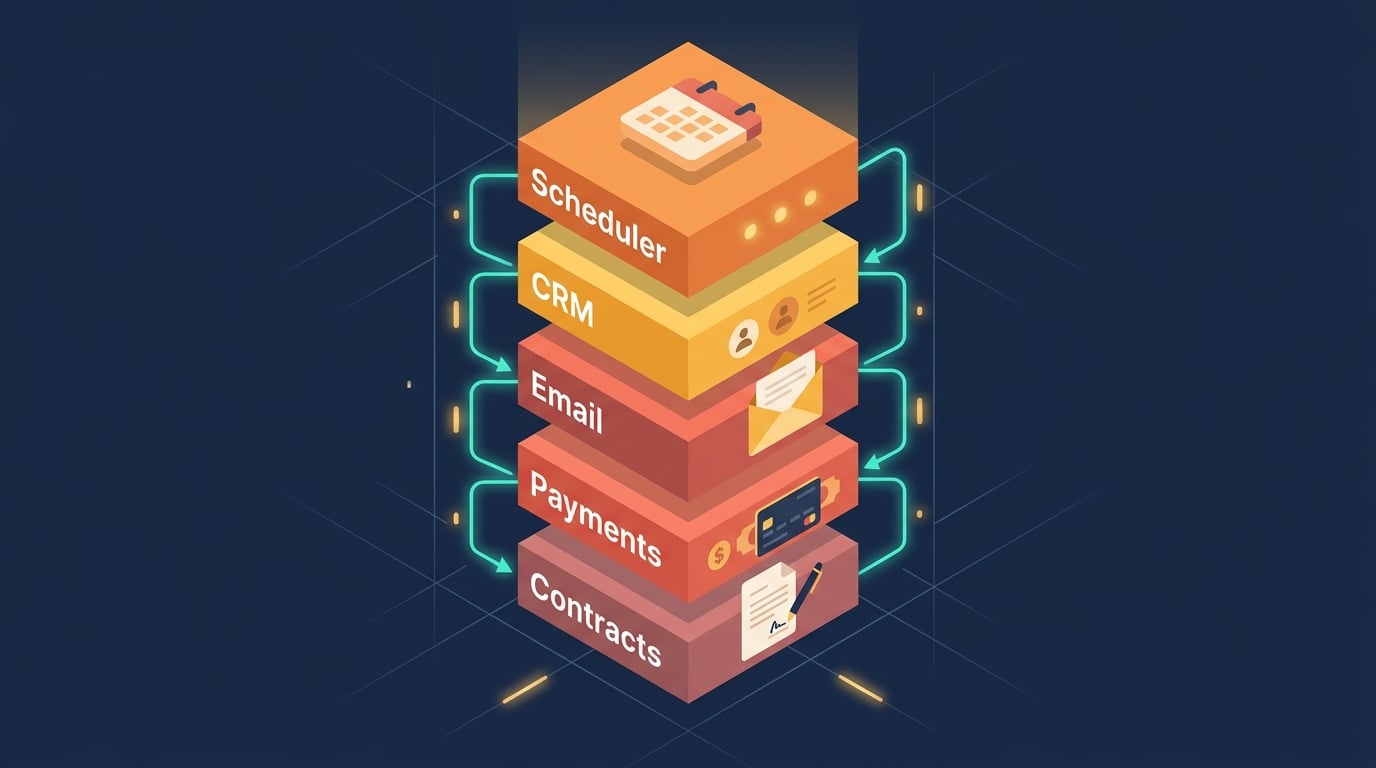
The Core 5 Layers
Every medspa automation system runs on some combination of these five layers:
- Booking / practice management — where patients schedule and staff run the day-to-day
- CRM and marketing — where leads, inquiries, and campaigns live
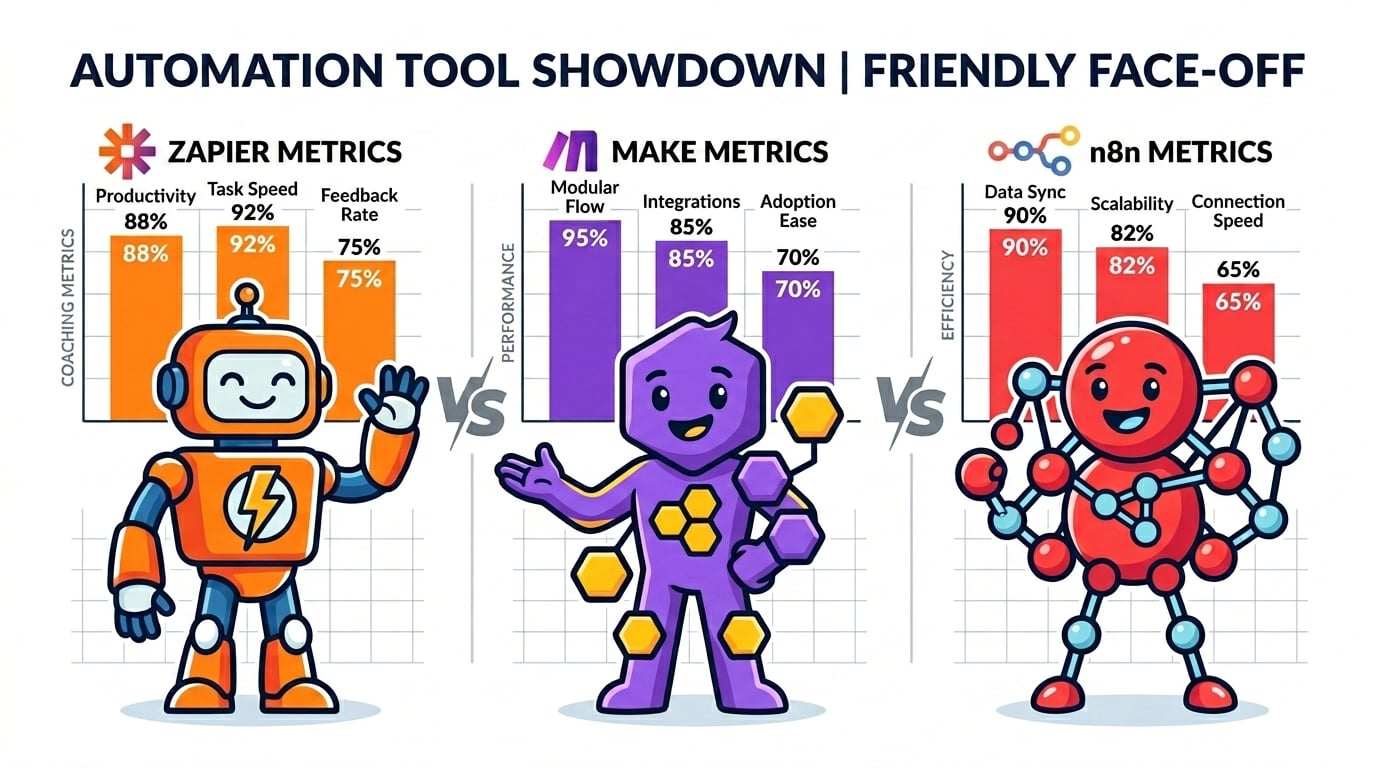
- Automation glue — the engine that connects everything (n8n, Zapier, or Make)
- SMS — how you reach patients for reminders and follow-up
- Reviews — how you turn happy patients into public proof
Everything else — payment processing, intake forms, consent paperwork — integrates into this core stack.
Booking and Practice Management: Boulevard or Mangomint
For day-to-day clinic operations, a dedicated practice-management platform beats a generic calendar tool. Boulevard and Mangomint both handle patient booking, staff scheduling, point-of-sale, and membership tracking built specifically for appointment-based businesses like medspas.
The advantage over a general booking tool: these platforms understand treatment packages, add-on services, and rebooking cadence in a way a generic calendar app does not.
For clinics on GoHighLevel: GHL has a built-in calendar that connects directly to its pipeline automation, which can replace a separate booking tool for consultation scheduling specifically. For clinical appointment scheduling and POS, a dedicated practice-management platform is still the stronger choice.
CRM and Marketing: GoHighLevel
The CRM and marketing layer is where lead follow-up, consultation reminders, and campaign automation live.
GoHighLevel wins for medspas that need SMS automation, high-volume pipeline management, and the ability to consolidate their marketing stack. GHL integrates directly with n8n via API, which is how I build: GHL as the CRM and marketing backbone, n8n handling the complex workflow logic behind the scenes. For a detailed look at whether GHL is right for your clinic, see the full review here. For a comparison of CRM options at every clinic size, the full breakdown is here.
Automation Engine: n8n (Built for You) and Make (for DIY)
I build on n8n. It is open-source, self-hostable, and handles complex multi-step workflows that Zapier and Make cannot match at scale. Once deployed on a server, there are no per-task pricing limits — meaning a busy medspa can run thousands of automation steps per month without worrying about hitting plan caps.
n8n’s visual workflow editor is genuinely powerful. You can build conditional logic, loop through data, call custom APIs, and connect tools that do not have native integrations — all in one workflow.
For clinic owners who want to build their own automations without a technical background, Make (formerly Integromat) is a solid starting point. It is visual, more affordable than Zapier at meaningful volume, and capable enough for most medspa use cases. For a full head-to-head comparison of all three tools, see the breakdown here.
Why not Zapier as the center of a complex system? Zapier is the most beginner-friendly option for simple automations — two tools, one trigger. For multi-step, conditional workflows with data transformation, it quickly becomes expensive and brittle. n8n or Make handle that complexity better.
SMS: Twilio
Text is the fastest way to reach a patient about an upcoming consultation or appointment, and medspa patients expect it. Twilio is the infrastructure layer most CRM and automation platforms use under the hood to send that SMS traffic reliably.
Typical uses in a medspa automation system:
- Appointment and consultation reminders
- Rebooking nudges after a treatment package ends
- Review requests sent shortly after a visit
A note on patient privacy: reminder texts should reference “your upcoming appointment,” never specific treatment names or other protected health information. Choose SMS and CRM providers that will sign a Business Associate Agreement (BAA) if any patient health information will ever pass through the workflow.
Reviews: Podium or Birdeye
Review generation is not optional for a medspa competing on local search and word of mouth. Podium and Birdeye both automate the ask — sending a review request by text or email shortly after an appointment, routing feedback, and helping staff respond to what comes back.
The value is consistency. Manually asking every patient for a review does not scale; an automated request triggered right after checkout does.
Payment Processing: Stripe
Stripe is the primary payment processor for most of the automation systems I build — reliable, developer-friendly, and connects to virtually every other tool via API. Package payments, deposits, and membership billing are typically built on Stripe triggers.
Layers I Leave Out (and Why)
Generic project-management tools for patient communication: tools like ClickUp or Asana are built for internal team work, not patient-facing scheduling or follow-up. They do not belong in the patient-facing layer of the stack.
Zapier at the center of a complex system: as noted above, Zapier is great for simple automations but becomes expensive and brittle at real volume. n8n or Make handle complexity better.
Typical Monthly Tool Cost
| Tool | Cost |
|---|---|
| n8n (self-hosted on VPS) | ~$10/month (server cost) |
| GoHighLevel | $97–$297/month |
| Boulevard or Mangomint | Priced per location — confirm current plans directly |
| Twilio SMS | Usage-based — confirm current rates directly |
| Podium or Birdeye | Priced per location — confirm current plans directly |
| Stripe | 2.9% + $0.30 per transaction |
Whether it pays for itself depends on how many front-desk hours it takes back each week, which varies by clinic size and how settled your current process is.
Building on This Stack
Most clinics already run one or two of these. I build the connections, add the missing pieces, and integrate everything into one automation system.
If you want this stack deployed for your clinic — fully configured, integrated, tested, and documented — see the automation packages to find the right starting point.
Or book a free strategy call and we will walk through your existing tools, identify the gaps, and design the system that fits where your clinic is right now.