· Mark Lester Mahilum · Tutorials · 5 min read
How to Automate Patient Onboarding at Your MedSpa
Automate patient onboarding at your medspa — intake, consent, and appointment prep sent without lifting a finger.
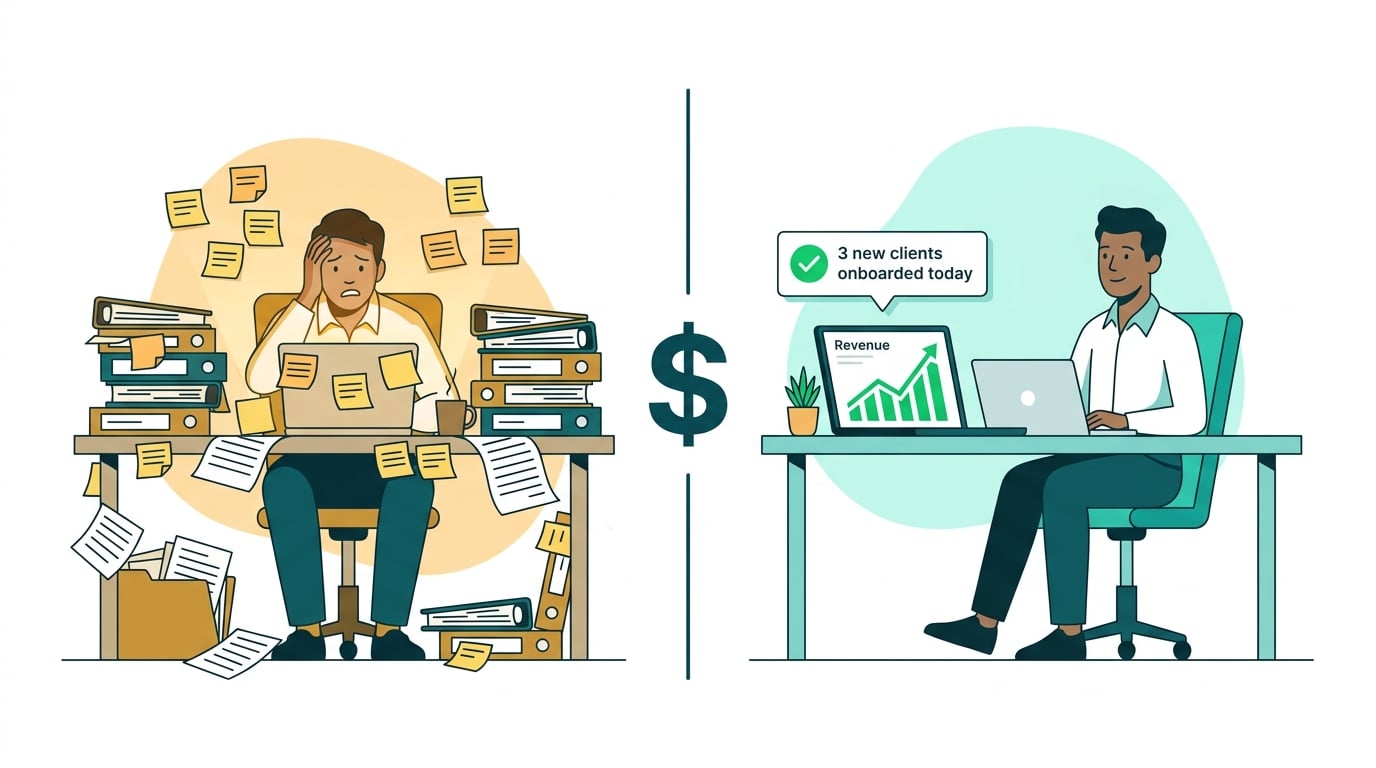
A new patient just booked. It is 9 PM on a Thursday. Your front desk is excited — and then remembers what comes next.
The welcome message. The consent forms. The intake questionnaire. The portal invite. The pre-appointment instructions.
Your team has done this a dozen times. It eats most of an hour every time. And every time, someone says there has to be a better way.
There is. Here is exactly how to build an automated patient onboarding system that handles every one of those steps the moment a new patient books — without anyone touching a single thing.
What Automated Patient Onboarding Actually Means
The goal is simple: from the moment a patient books and pays a deposit, everything they need to get started is delivered, collected, and confirmed automatically.
Fully automated onboarding handles:
- The welcome message (in your clinic’s voice)
- Consent forms, sent and tracked for e-signature
- The intake questionnaire, delivered and collected
- Pre-appointment instructions — what to avoid, what to bring, arrival time
- Access to the patient portal or client app
Your front desk still handles the personal touch. The system handles the paperwork.
Step 1 — Booking Triggers the Sequence
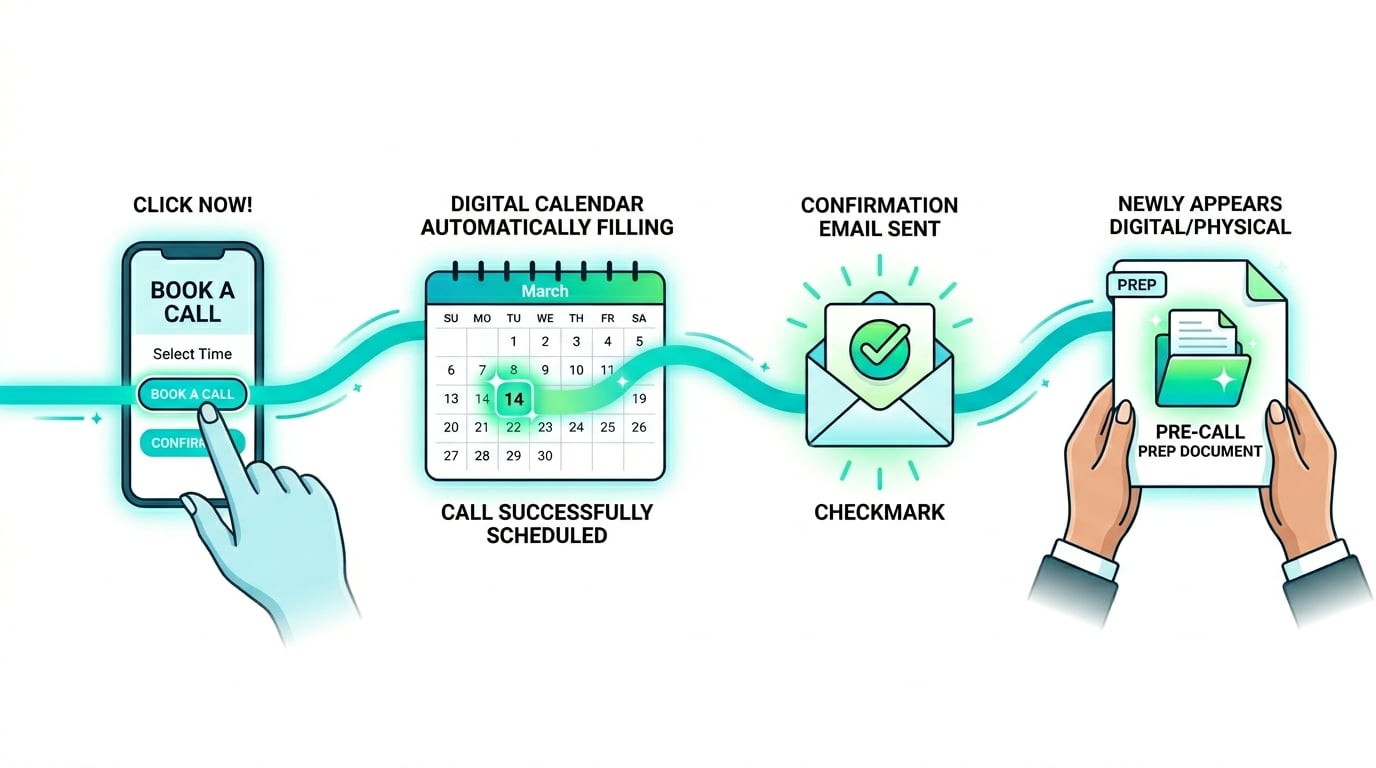
The whole system starts with a confirmed booking. When your scheduling platform confirms an appointment and deposit, that event fires a trigger in your automation tool (Zapier or Make) that kicks off every step that follows.
Tools: Boulevard, Mangomint, or Vagaro (booking + payment) → Zapier or Make (automation engine)
In Zapier, this looks like:
- Trigger: New appointment booked in Boulevard
- Action: Add contact to GoHighLevel sequence, tag as “New Patient”
No manual tagging, no button pressing. Booking confirmed = onboarding begins.
Step 2 — Welcome Message and Consent Forms Auto-Send
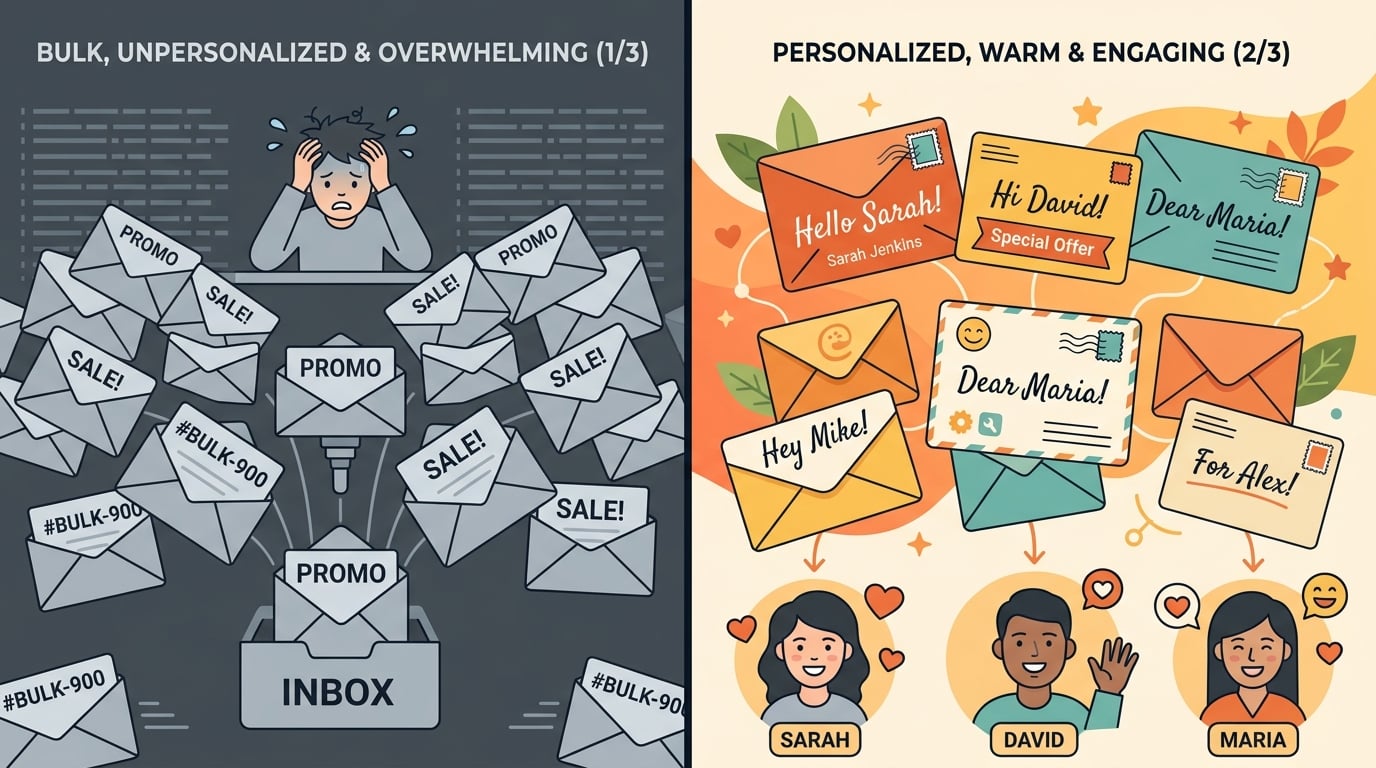
Within 60 seconds of booking, the new patient receives a welcome message that sets the tone for the patient relationship.
The message should:
- Congratulate them on booking
- Tell them exactly what happens next (so they are not wondering)
- Include the consent form link embedded directly in the message
Tools for messaging: GoHighLevel, or the messaging feature built into Boulevard or Mangomint
Tools for consent forms: Boulevard, Mangomint, Aesthetic Record, or DocuSign
If you use Boulevard or Mangomint, consent forms and the welcome message can live in the same automated workflow without a separate tool. If you prefer GoHighLevel for messaging, Zapier connects the two.
The consent link takes the patient directly to a pre-filled document with name and appointment details already populated. They sign, and your front desk gets an instant notification.
Patient data moves through these forms. Choose tools that will sign a BAA before routing any health information through them.
Step 3 — Intake Questionnaire Delivered Automatically
The second automated message, sent 30–60 minutes after the first, includes the intake form link. Do not bundle consent and intake in the same message. It feels overwhelming and drags down completion rates.
The intake message should:
- Be short (3 sentences maximum)
- Reference the consent form they just signed (“Great, you are all set — one more thing…”)
- Give a soft deadline (“Please complete this within 48 hours so we’re ready for your visit”)
Tools: Aesthetic Record or Zenoti intake modules, or Typeform/JotForm for the form itself. Zapier connects the completion trigger to update the patient’s CRM record automatically.
When the patient submits the intake form, Zapier tags them in the CRM as “Intake Complete”, so your front desk always knows at a glance where each new patient stands.
Step 4 — Patient Portal Access Granted
The final automated step gives the patient access to pre-appointment instructions and their working space — a patient portal inside Boulevard or Mangomint, a Vagaro client app, or a shared document with prep instructions.
The automation: When the intake form is submitted (or immediately after booking — your choice), Zapier sends the patient a portal invite or shares pre-appointment instructions — what to avoid before treatment, arrival time, parking.
If you use Notion for internal tracking, duplicate a template record per patient via its API. It takes some setup, then runs on its own.
Tools You Will Need
| Tool | Purpose | Free Tier? |
|---|---|---|
| Boulevard, Mangomint, or Vagaro | Booking + deposit | Free trial (paid plans) |
| Zapier or Make | Automation engine | Yes (limited steps) |
| GoHighLevel | Welcome message sequence | Free trial (paid plans) |
| Boulevard or Mangomint | Consent forms + portal | No (paid, plans vary) |
| Typeform or JotForm | Intake questionnaire | Yes |
| Notion | Internal tracking | Yes |
You do not need all of these. If you already run Boulevard or Mangomint, it handles booking, consent, and basic automations in one place — which simplifies the stack significantly.
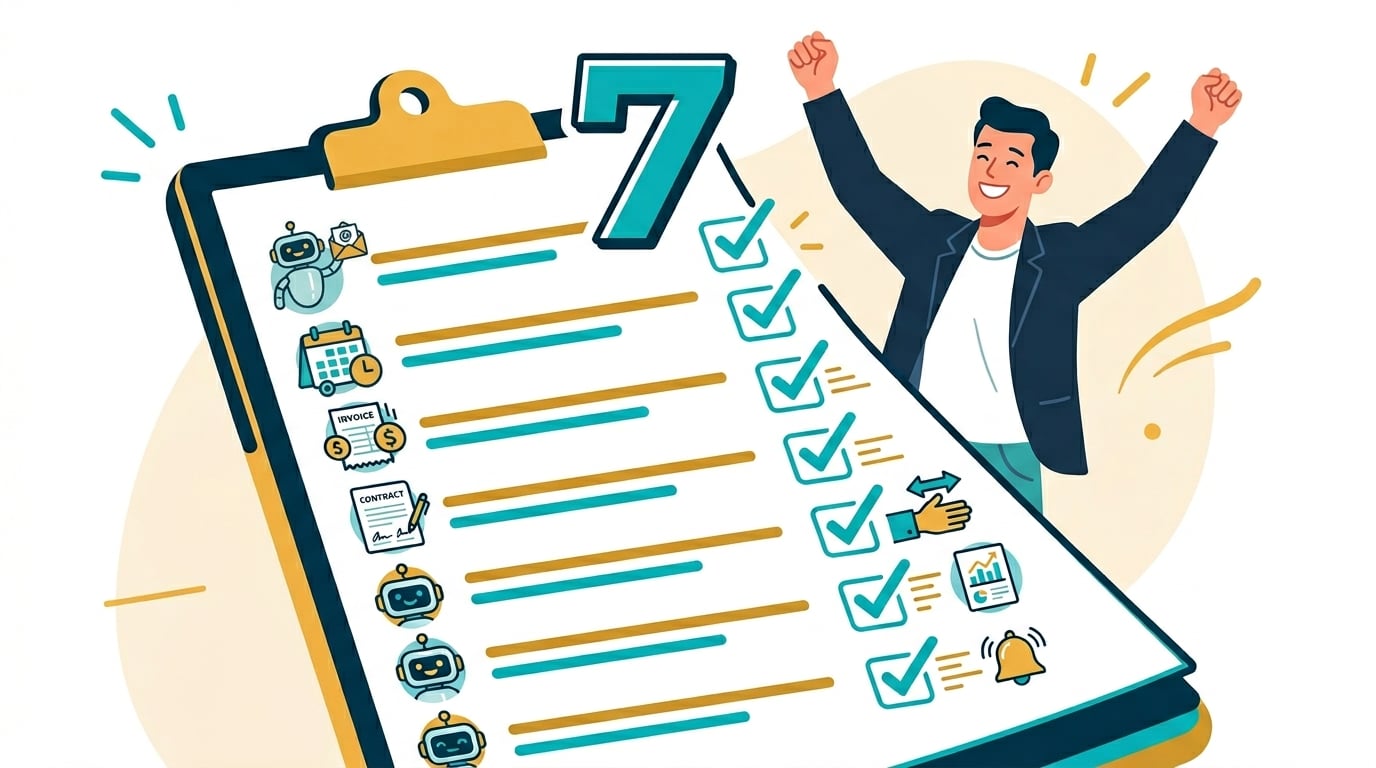
Patient onboarding is one of the seven tasks every medspa can automate this week — a good next read once this system is running.
How Long Does This Take to Set Up?
DIY timeline: Plan for a full weekend the first time — 8 to 12 hours if you are new to these tools. Connecting each system, testing the triggers, and writing the welcome sequence all take time.
Done-for-you timeline: 5 to 7 business days. The system is built, tested, and handed over fully documented.
The payoff lasts. Build this once, and it works for every patient from that point forward.
Want to see the ROI math before committing? Here is a worked ROI example.
The Done-for-You Option
Rather have it built for you? That is what I do.
A patient onboarding system is included in every package. See the full list of what each package covers or book a free strategy call to walk through what your clinic specifically needs.
Next time a new patient books at 9 PM, the only thing your front desk needs to do is send a quick personal message. The system handles everything else.
Onboarding is the foundation. When you are ready to automate the full clinic around it, here is how that complete system looks.