· Mark Lester Mahilum · Tutorials · 5 min read
7 Tasks Every MedSpa Can Automate This Week
Seven daily tasks every medspa can automate this week — the exact tools that eliminate them. Start with one.
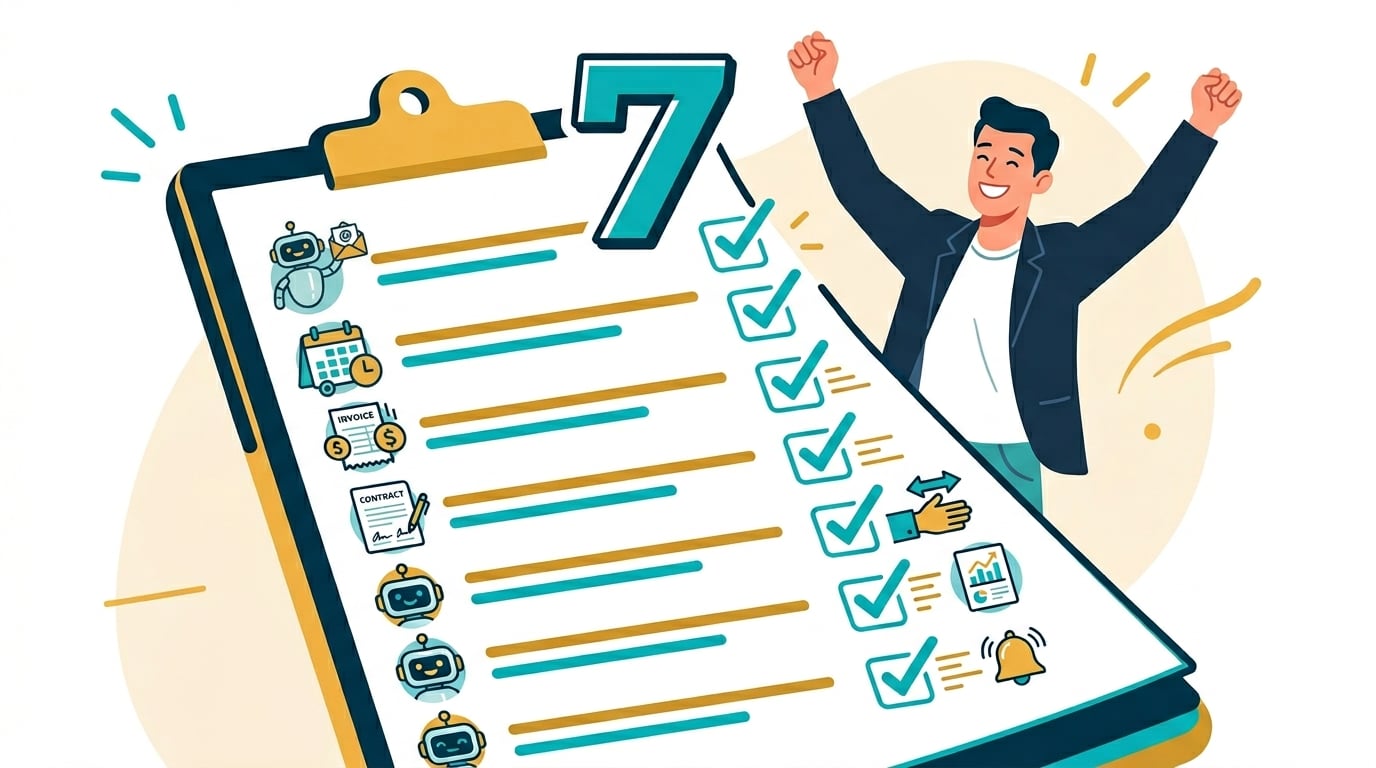
Most medspa owners are not overwhelmed by treatments. They are overwhelmed by everything that surrounds them.
Front desk teams routinely spend a large share of the working week on administrative tasks — scheduling, reminders, consent forms, invoicing, and patient communication that has nothing to do with the treatment itself.
Every one of the seven tasks below can be automated this week. No need to tackle all of them at once. Pick the one that hurts most and start there.
1. Appointment Reminders
What is done manually: Front desk calling or texting each patient the day before, checking the schedule twice, playing phone tag with patients who do not pick up.
What automation does: Boulevard, Mangomint, or Vagaro sends automatic SMS and email reminders on a set cadence — typically a few days out and again the day before. No manual calling required.
Tools: Boulevard, Mangomint, or Vagaro (built-in reminders), or Twilio SMS connected through Zapier
Time saved: A meaningful chunk of front-desk time every week, plus fewer missed appointments from patients who simply forgot.
2. Review Requests
What is done manually: Waiting until someone remembers to ask, feeling awkward about it, getting a verbal compliment but never a written review, missing the window when patients are most satisfied.
What automation does: When a patient is tagged “Treatment Complete” in the CRM, a short sequence fires automatically — the first message asking for a review at the moment of peak satisfaction, a friendly reminder a few days later if no review yet.
Tools: GoHighLevel for the sequence, Zapier to connect the CRM tag to the message trigger
Time saved: The time currently spent not doing this — plus the value of reviews that have been going uncollected.
3. Intake Forms
What is done manually: Noticing a new booking, finding the intake form link, copying the patient’s contact details, sending the form, then checking whether it was completed.
What automation does: The moment someone books an appointment, Zapier detects the new event and immediately sends the intake form link — no human involvement required.
Tools: Boulevard or Mangomint + Zapier + Typeform or JotForm
Time saved: A recurring stretch of admin time each week, plus the mental load of remembering to chase it.
4. Rebooking Prompts
What is done manually: Manually reviewing patient records to see who is due for their next treatment, calling or texting individually, or — more often — not doing it at all and losing the rebooking.
What automation does: A recurring automation checks each patient’s treatment cadence and sends a rebooking prompt at the right interval, with a direct booking link.
Tools: Boulevard, Mangomint, or Zenoti (built-in rebooking cadence), or Zapier + GoHighLevel for a custom sequence
Time saved: Recovers rebooking revenue that otherwise disappears when nobody follows up on schedule.
5. Lead Follow-Up
What is done manually: Scanning the inbox for leads who have not heard back, writing individual follow-up messages, feeling weird about it, sometimes not sending them at all.
What automation does: When a lead fills out a contact form, they are tagged in the CRM and entered into a follow-up sequence that sends automatically over about a week. No manual checking. No forgetting.
Tools: GoHighLevel for the sequence, Zapier to connect the contact form to the messaging tool
Time saved: A significant recurring block of time, plus recovered revenue from leads that would otherwise have gone cold.
6. Membership Renewals
What is done manually: Tracking membership expiration dates in a spreadsheet, remembering to reach out before lapse, losing recurring revenue when a renewal slips through.
What automation does: When a membership approaches its renewal date, an automated reminder goes out with a direct renewal link — timed early enough that lapses become the exception, not the norm.
Tools: Boulevard, Mangomint, or Zenoti membership modules, or Zapier + GoHighLevel for clinics managing memberships outside a practice-management platform
Time saved: Protects recurring revenue that otherwise quietly erodes month over month.
7. No-Show Recovery
What is done manually: Noticing a no-show after the fact, deciding whether to reach out, writing an individual message, often letting it go because the day is already busy.
What automation does: The moment a patient no-shows in the scheduling platform, an automated message goes out same-day with a friendly rebooking link — before the patient forgets or books somewhere else.
Tools: Boulevard or Mangomint no-show tagging, connected through Zapier to an SMS or email sequence
Time saved: Recovers appointments and revenue that would otherwise be written off entirely.
Where to Start
New to automation? Start with Task 1 (appointment reminders) or Task 5 (lead follow-up). Both carry high time savings and low technical complexity. Reminders inside Boulevard or Mangomint are set up in an afternoon.
Want all seven running simultaneously, correctly, from Day 1? That is what the Full Business Automation package includes. To understand the dollar value before committing, the full ROI breakdown is here. Book a free strategy call and we will walk through which of these your clinic needs most.
Pick one. Build it this week. Then add another. In a month, front desk will not recognize how much time is back. Ready to look at the full picture — all systems, not just these seven tasks — this is what a medspa that runs without you looks like.